
Translate without breaking focus.
Review by default, or enable Fast Mode for translation and replacement in one action.
⌃ ⌥ T Download at launch
A local writing translator for macOS
Translate and replace text anywhere on your Mac. Fast, private, and local.
No account. No card. Your translations stay on your Mac.
Estou preparando os tickets para a próxima release.
Estoy preparando los tickets para la próxima release.
Real capture from the current native build
One shortcut. Zero context switching.
Choose text in any editable field, or use the whole focused field.
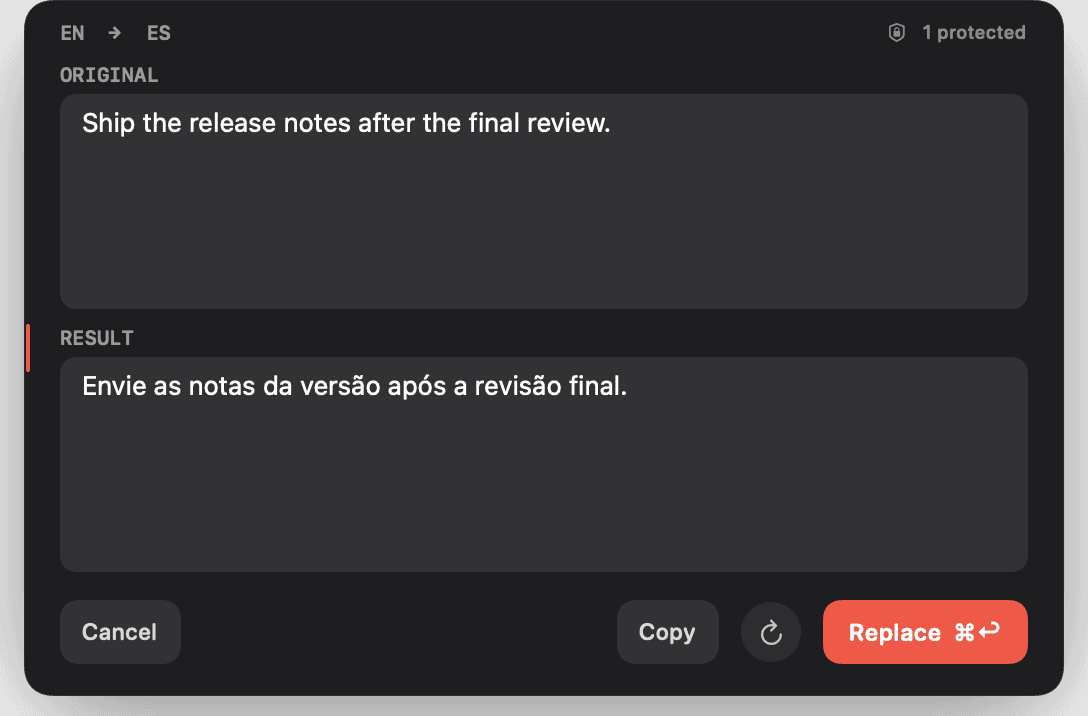
Check the route and result while technical and foreign terms stay intact.
Put the translation back in place without leaving the app you are using.
Built for real work
Elsewrite turns macOS translation into a reliable writing workflow.
Review by default, or enable Fast Mode for translation and replacement in one action.
⌃ ⌥ TCapture an area of the active screen, paste an image, or drop one on the menu-bar mark.
Search encrypted local history. Keep it for seven days, forever, or turn it off.
A clear privacy boundary
Translation, OCR and history stay on your Mac. After Apple's language setup, core translation works offline.
Language support
19 stable language families on macOS 15 and 26. Six more observed in macOS 27 beta.
Availability is provided by macOS and can vary by release, region and downloaded language models. Elsewrite checks your Mac before translating. Reviewed July 20, 2026.
Simple pricing
Three days free on your Mac. No account, card or email required.
$25 one time
$3 / month
The same local product and five active Macs, billed monthly.
Building in public
The useful details
A contextual capsule appears beside the text you selected, then disappears when the workflow finishes.
No for translation and OCR. Those use Apple's on-device frameworks. Network access is limited to commerce, licensing, updates and optional anonymous analytics.
Elsewrite protects confidently detected embedded-language spans and structural content such as URLs, code, handles and acronyms. Restoration fails closed rather than changing the field incorrectly.
Accessibility enables capture and replacement. Screen Recording is requested only when you first capture an on-screen area for OCR; pasted and dropped images do not need it.